I love learning new tricks in Linux/Unix. And direnv is a gem I just found out, thanks to a claude code suggestion. Of course you can use such a agent to do this for you, but if you like to learn, and not just have the things done, probably you want to read this. Although I’ve learned using claude, this post was written manually by me, so it may contains mistakes. If you find any, please let me know.
The best way to teach any tool is to use it in a concrete example. That is what we’ll do this in this post.
In my work laptop I have two GitHub accounts configured, the company one, and my personal one. And it annoys me that, when using the GitHub client (the gh command), I need to be changing the user every time I switch between two repositories. At the end, I create pull requests or issues with the wrong user.
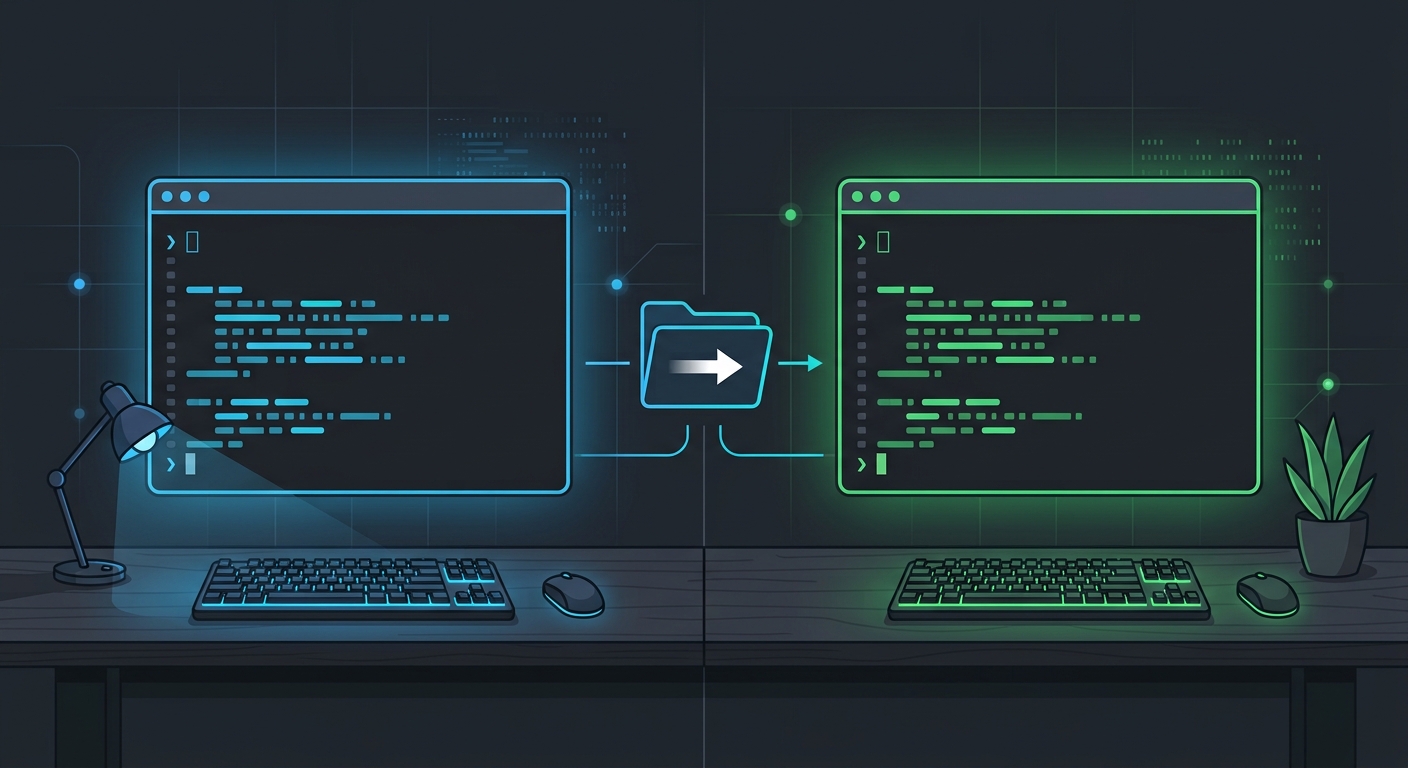
What I want is to just switch to the folder and expect the system to know what user to use automatically. And this can be done using direnv.
What direnv Actually Does
direnv is a small, well-established shell extension that loads and unloads environment variables depending on the current directory. You install it once, hook it into your shell, and from then on it watches your working directory as you move around with cd.
TL;DR
So, how does this work?
- Start by creating a
.envrcfile inside a project folder. This will configure the environment changes for whenever you switch to that folder (or subfolders). - Inside that file, you export the environment variables you need
- For security reasons, the first time
direnvsees a new or edited.envrcit refuses to load it until to rundirenv allowto approve it. - Finally, when you
cdinto that folder,direnvloads the environment variables automagically, and unloads them whenever youcdout of it.
Installing and Setting it up
If you do not have it installed, it should be available through your package manager:
# Debian/Ubuntu
sudo apt install direnv

# Fedora
sudo dnf install direnv

# macOS
brew install direnvThe next step is to let your shell know that you want to use it. This depends on your shell.
# for bash, add this to ~/.bashrc
eval "$(direnv hook bash)"

# for zsh, add this to ~/.zshrc
eval "$(direnv hook zsh)"You can now restart your shell, or source the edited file. Voilá! direnv is set up!
Configuring the GH repositories
The gh command, the GitHub CLI, respects the GH_CONFIG_DIR environment variable. This environment variable has the information about where to look for its configuration and stored credentials. Given direnv is able to change environment variables, this should be enough. We just make sure that each repository .envrc file exports a different GH_CONFIG_DIR.
Step by step:
Step 1 — Set up two gh configs.
We need to store the gh configuration somewhere. Here I call them gh-work and gh-personal. Be free to customize as you like.
# 1. Start by creating the folders to save the authentication data
mkdir -p ~/.config/gh-work
mkdir -p ~/.config/gh-personal

# 2. run gh auth login for each one, authenticating with the correct account
# - authenticate with work user
GH_CONFIG_DIR=~/.config/gh-work gh auth login
# - authenticate with personal user
GH_CONFIG_DIR=~/.config/gh-personal gh auth loginStep 2 — Add an .envrc to each repository.
To configure a work repository, perform this inside its root folder (e.g. ~/code/work-project):
echo 'export GH_CONFIG_DIR=~/.config/gh-work' > .envrc
direnv allowFor a personal repository, run this code (e.g. ~/code/personal-project):
echo 'export GH_CONFIG_DIR=~/.config/gh-personal' > .envrc
direnv allowAnd it’s done. Just cd ~/code/work-project and it silently switches gh to your work identity, and cd ~/code/side-project switches it back to personal.
Practical Notes
- Don’t commit
.envrc. It’s personal to your machine. Add it to your global gitignore, or to each repo’s.gitignore. - Use a parent-level
.envrcfor whole folders. If all your work repos live under~/code/work/, put one.envrcthere instead of repeating it in every subfolder. - Combine with other variables. The same trick works for
AWS_PROFILE,NPM_TOKEN, git author info viaGIT_AUTHOR_EMAIL, or anything else that differs between contexts. direnv statusis your friend.